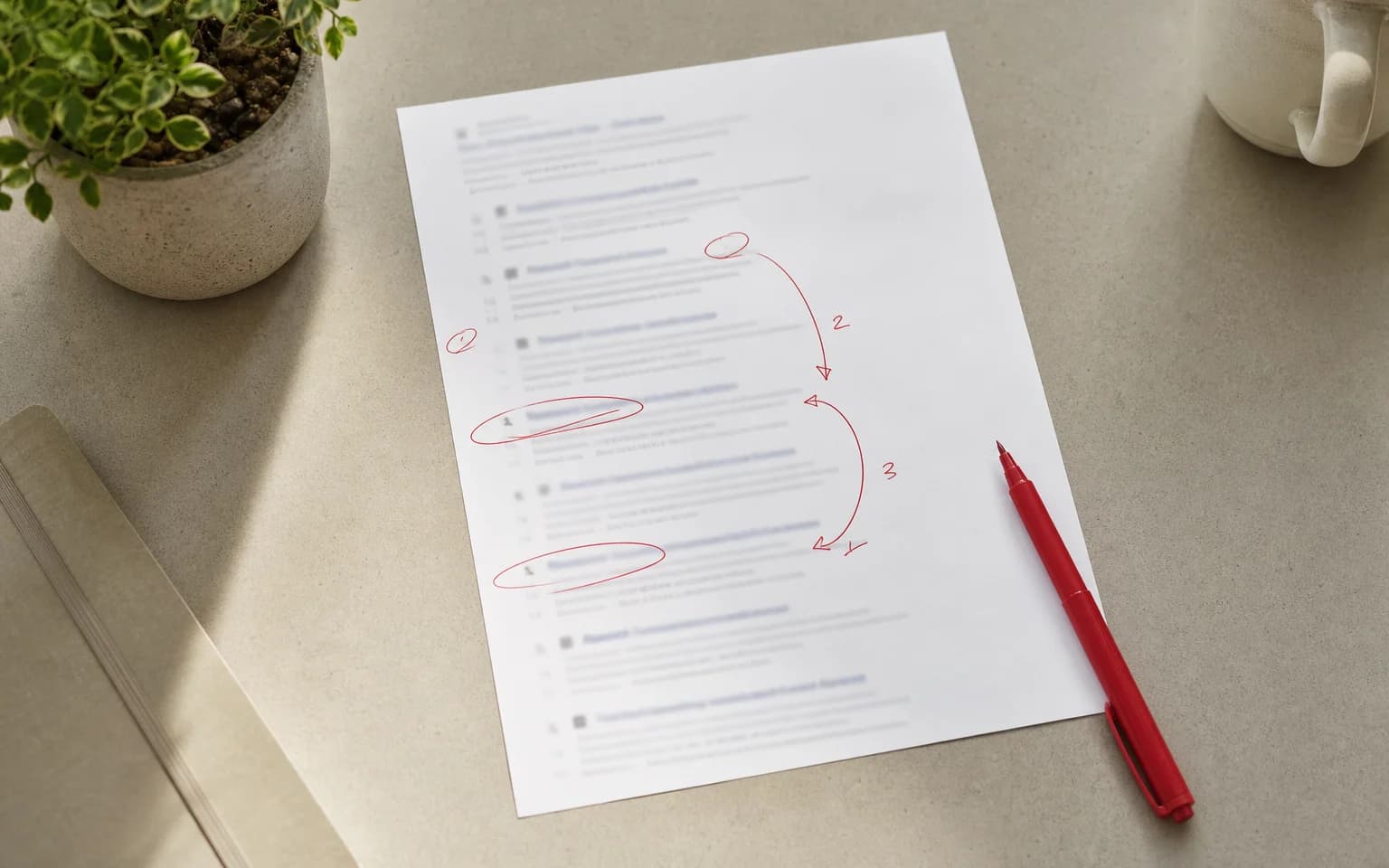
Page two of Google might as well not exist. Less than 1% of searchers ever click past the first page. So if your site lives on page two or beyond, you're invisible to almost everyone.
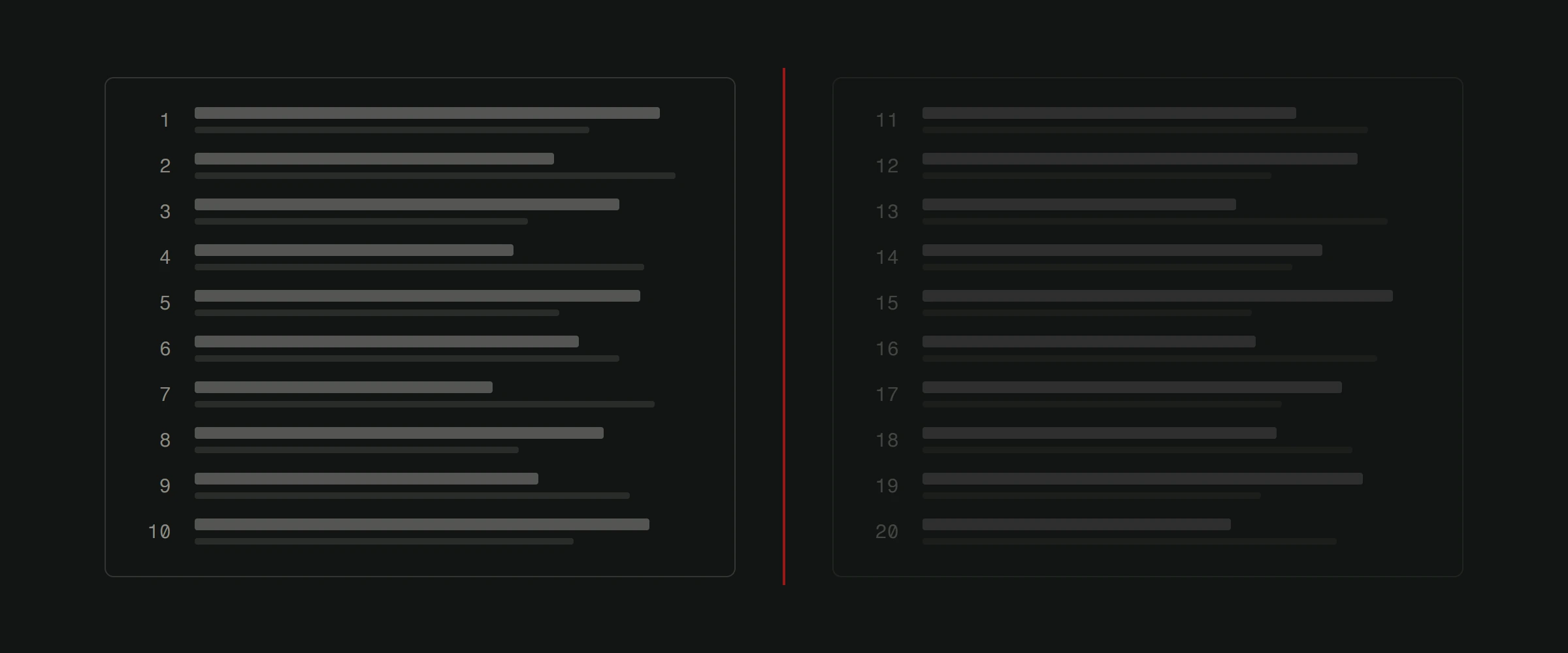
The good news: reaching page one isn't magic. It's methodical work across five areas. Here's what actually moves the needle.
1. Target the right keywords (not just the obvious ones)
Most businesses go after the biggest, broadest keywords in their industry. "Web design." "Accounting services." "Best restaurant." Then they wonder why they can't rank against companies with 10x their budget.
The smarter play is targeting long-tail keywords. These are longer, more specific phrases that fewer sites compete for. "Web design for small businesses in Croatia" has far less competition than "web design," and the people searching for it are much closer to making a decision.
Here's how to find them:
- Use Google's autocomplete. Start typing your main keyword and see what Google suggests.
- Check "People also ask" boxes in search results.
- Use free tools like Google Keyword Planner or Ubersuggest.
- Look at what your competitors rank for using tools like Ahrefs or SEMrush.
Pick keywords that match what your potential customers actually type. Then build content around those exact phrases. Our keyword research guide goes deeper on this process.
2. Create content that deserves to rank
Google's job is to show the best answer to a search query. So your content needs to actually be the best answer.
That means going beyond surface-level. If someone searches "how to improve website speed," they don't want a paragraph saying speed is important. They want specific steps, tools, and benchmarks.
What high-ranking content looks like:
- It answers the searcher's question thoroughly.
- It's well-structured with clear headings (H2, H3) that follow a logical flow.
- It includes specific data, examples, or case studies.
- It's original. Not rewritten versions of what everyone else published.
- It's updated. Outdated content drops in rankings.
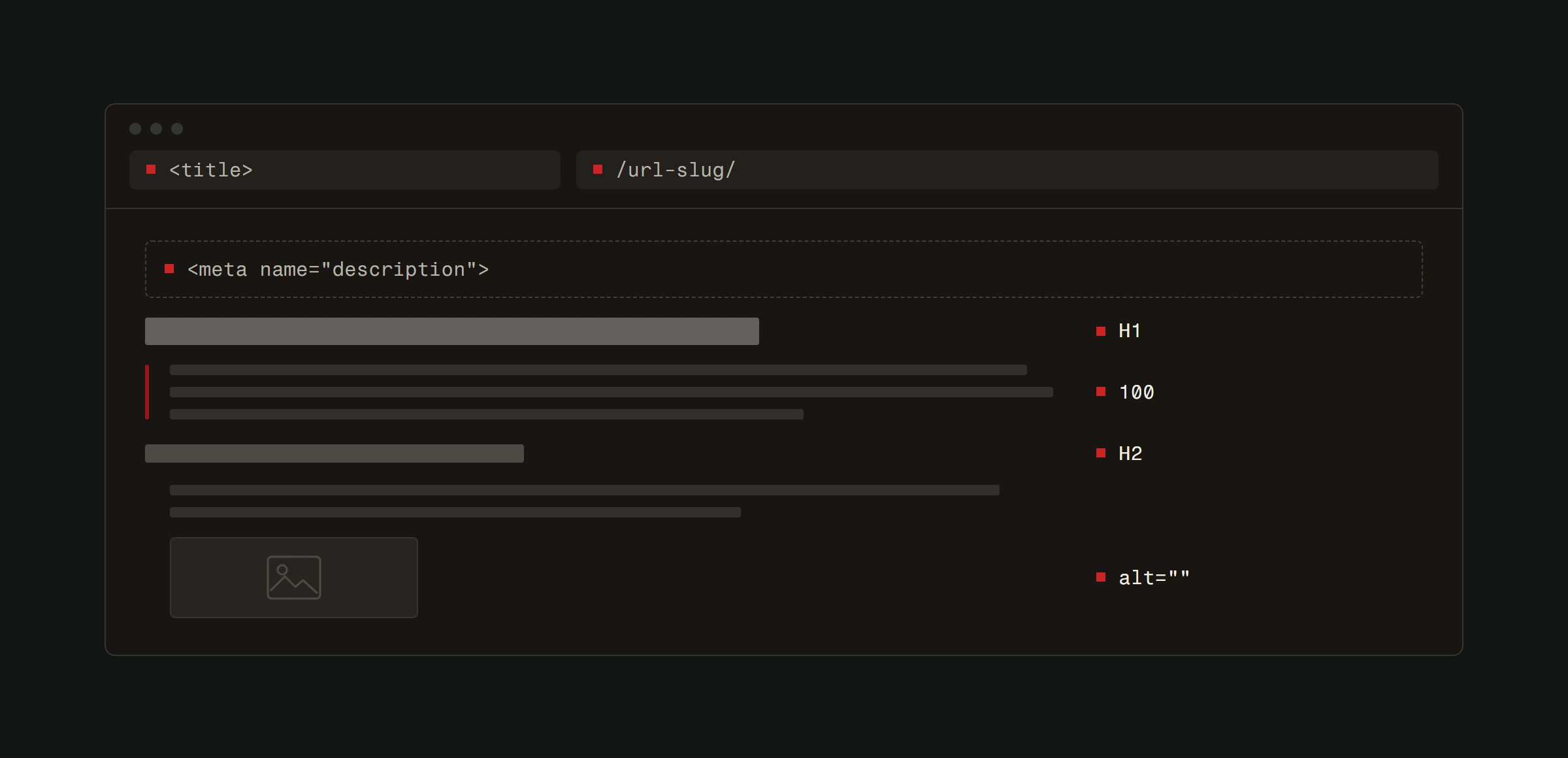
Put your primary keyword in the title (H1), in at least one H2, in the first 100 words, and in the meta description. But write for humans first. If your text reads like it was stuffed with keywords, Google notices and your readers definitely notice.
For more on writing content that ranks, check out how to write SEO-optimized blog posts.
3. Fix your technical foundation
Great content on a broken website won't rank. Google cares about how your site performs, not just what's on it.
Speed
A site that loads in under 2 seconds has a massive advantage over one that takes 5. Compress your images. Minify CSS and JavaScript. Use browser caching. Cut unnecessary third-party scripts.
Test your speed at PageSpeed Insights and fix what it flags. Our speed optimization guide walks through this step by step.
Mobile responsiveness
Google indexes the mobile version of your site first. If your site looks broken or is hard to use on a phone, your rankings suffer everywhere. Not just on mobile.
Test on actual devices, not just Chrome's developer tools. Tap every button. Fill out every form. If anything frustrates you, it frustrates your visitors and Google's crawlers. Read more about why responsive design matters.
Security
HTTPS is mandatory. If your site still runs on HTTP, you're telling Google and your visitors that security isn't a priority. Get an SSL certificate. They're free through Let's Encrypt.
Keep your CMS, plugins, and server software updated. Security vulnerabilities don't just risk your data. They risk your rankings.
4. Build authority through backlinks
Google treats links from other websites as votes of confidence. The more quality sites that link to yours, the more Google trusts your content.
But not all links are equal. One link from a reputable news site or industry authority is worth more than 100 links from random blogs. And spammy link-building tactics will get you penalized, not promoted.
How to earn quality backlinks:
- Create content worth linking to. Original research, comprehensive guides, useful tools.
- Write guest posts for respected industry publications.
- Get listed in relevant business directories.
- Build relationships with other businesses for natural cross-linking.
- Create resources that journalists and bloggers reference.
Internal links matter too. Link between your own pages to help Google understand your site structure and spread authority across your content. Every blog post should link to 2-4 related articles on your site.
Learn more about what backlinks are and why they matter and how to get more of them.
5. Measure, learn, adjust
SEO isn't a one-time project. It's an ongoing process of publishing, measuring, and improving.
Set up these free tools:
- Google Search Console: Shows which queries bring impressions and clicks, which pages are indexed, and any technical issues Google found.
- Google Analytics: Shows what visitors do after they land on your site. Where they come from, what they read, whether they convert.
Check your data monthly. Look for:
- Which keywords are climbing and which are stuck.
- Which pages get traffic but have high bounce rates (the content might not match the search intent).
- Which pages convert visitors into customers (create more content like those).
- Technical errors flagged by Search Console (fix them immediately).
The sites that rank on page one aren't necessarily the ones with the biggest budgets. They're the ones that consistently produce quality content, fix technical issues fast, and adapt based on real data.
What most SEO advice gets wrong
Most guides treat SEO like a checklist. Do these 10 things and you'll rank. Reality is messier.
Rankings depend on your specific industry, competition level, domain age, content quality, and dozens of other factors. What works for a local bakery won't work for a SaaS company.
The principles are constant. Target the right keywords. Create the best content. Fix technical problems. Build genuine authority. Measure and adjust. But how you apply those principles has to match your specific situation.
Not sure where your site stands? Start with a free website analysis and get a clear picture of what's holding you back from page one.