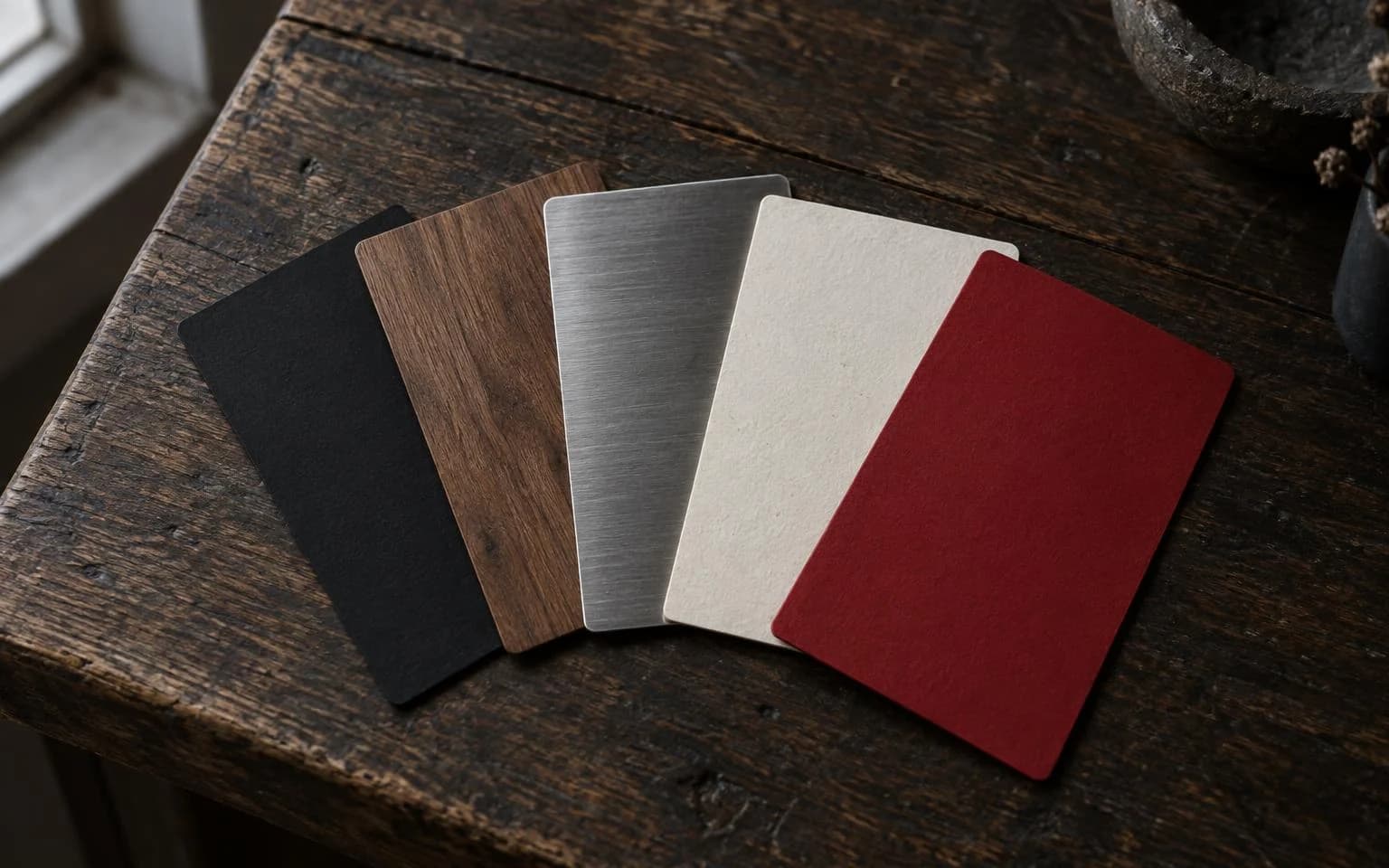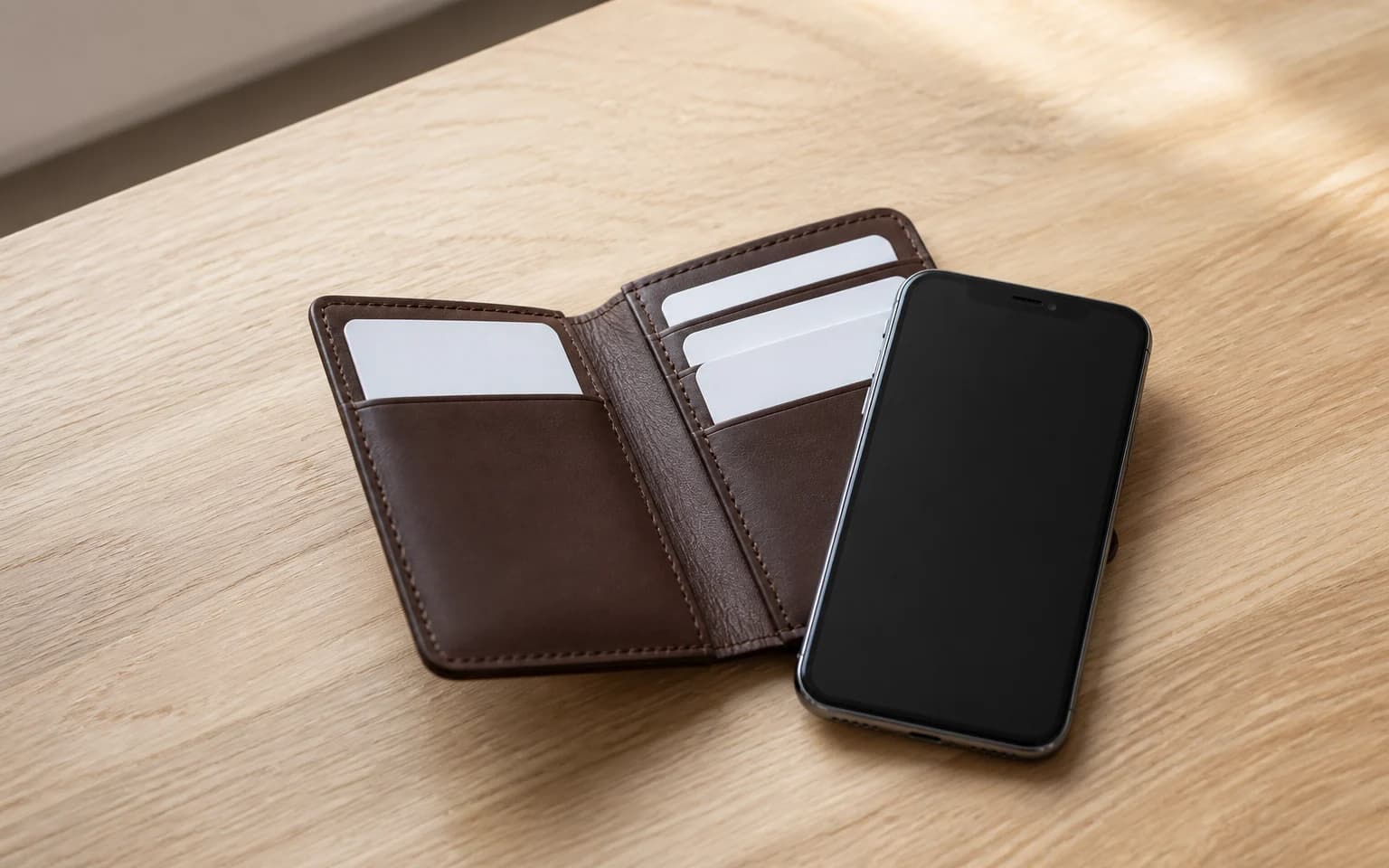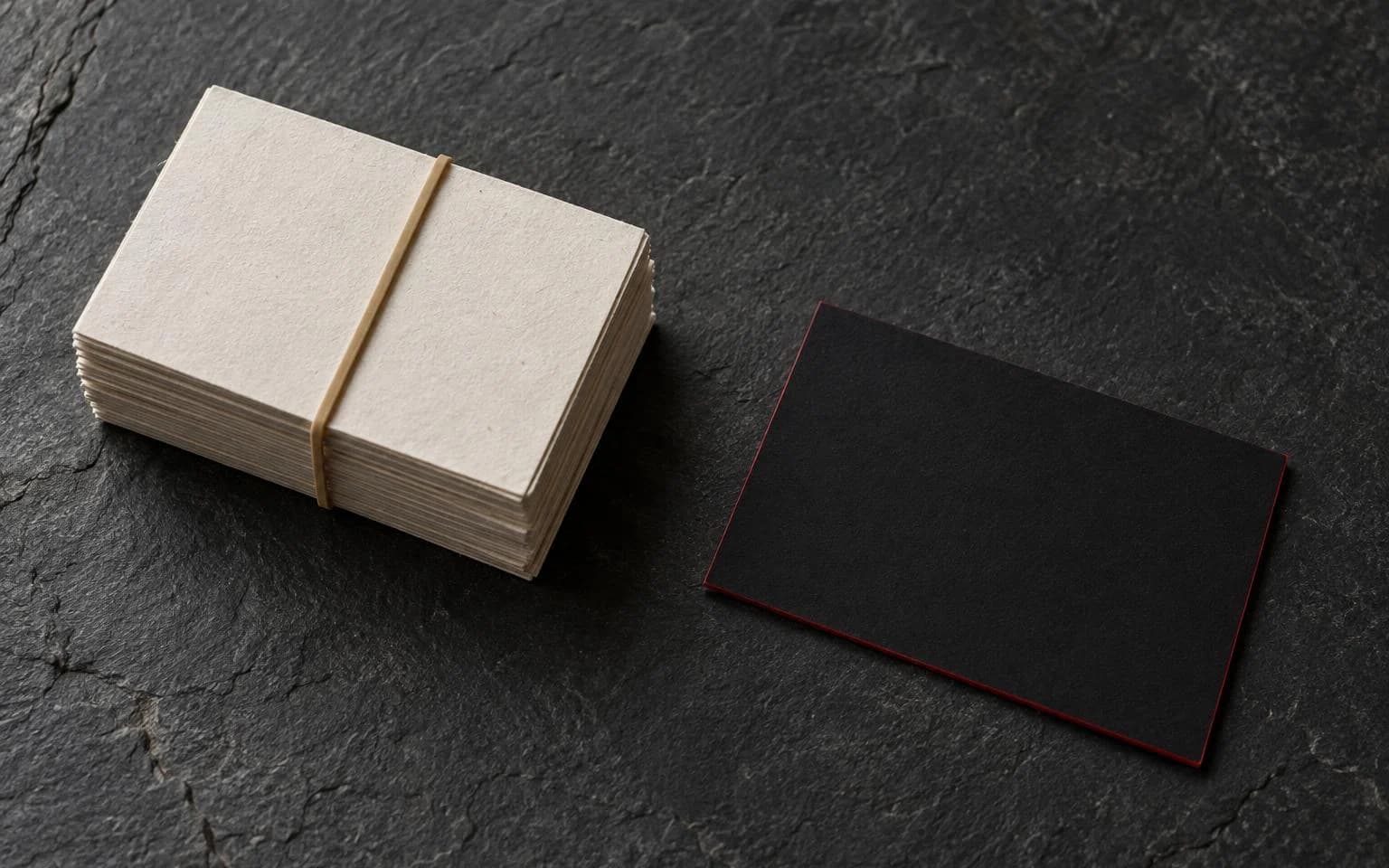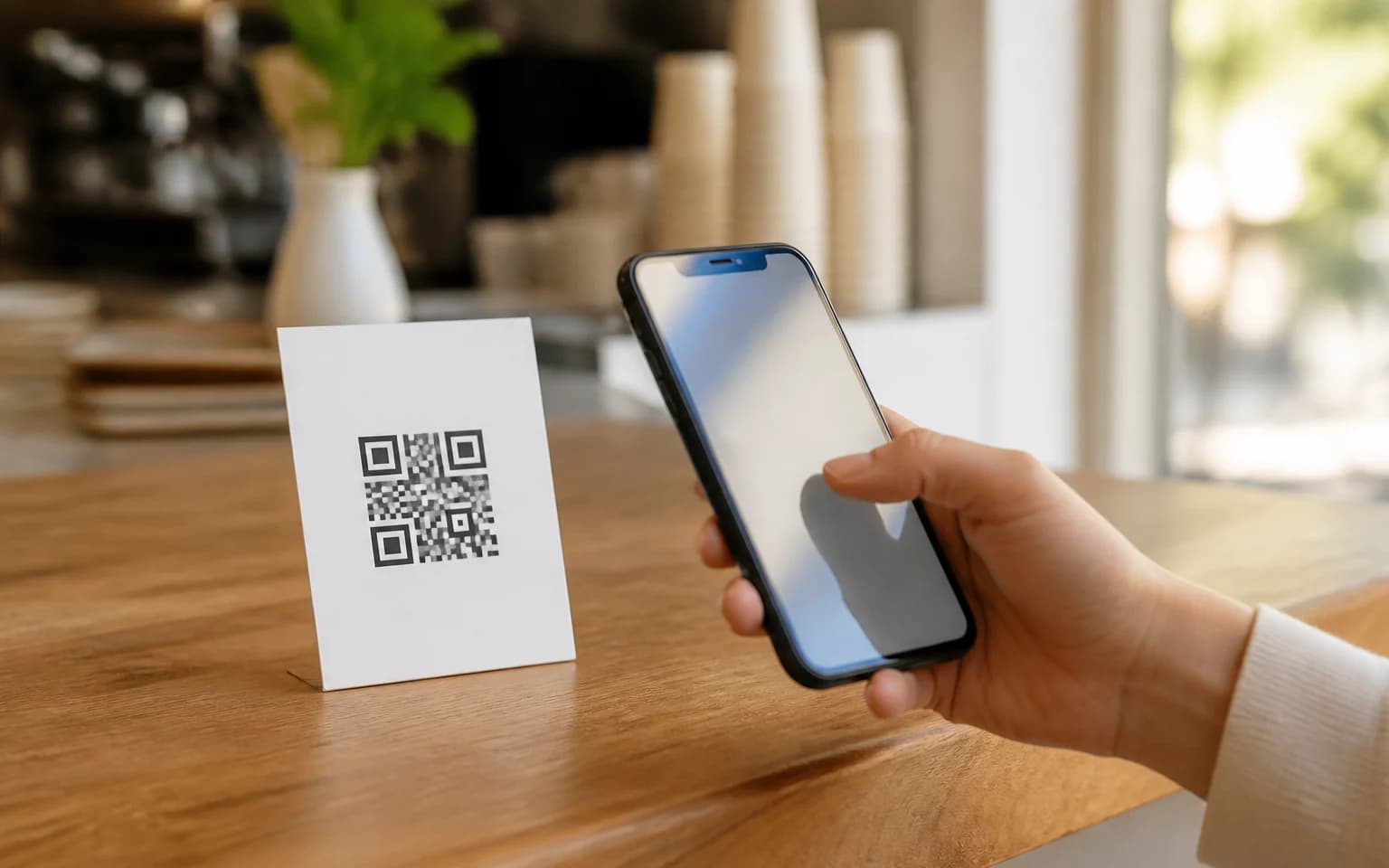
Those little black-and-white squares are everywhere now. Restaurant menus. Event posters. Product packaging. Business cards. QR codes went from a niche tech curiosity to something your grandmother uses at brunch.
The good news: making one is free and takes about 90 seconds. The bad news: most people do it wrong.
Let's fix that.
What is a QR code, really?
QR stands for Quick Response. It's a two-dimensional barcode that stores data. Your phone camera reads it and takes action. Opens a website. Saves a contact. Connects to WiFi. Sends an email.
Unlike old barcodes that only hold a string of numbers, QR codes can store URLs, plain text, phone numbers, GPS coordinates, vCard contact data, and more. The square pattern encodes information both horizontally and vertically, which is why they pack so much into a small space.
Every modern smartphone can scan them natively. No app needed. Just point your camera and tap.
How to make a QR code for free
Here's the straightforward process:
Step 1: Pick a generator. We built our own, free and without an account, because the ones we kept recommending would happily hand you a code that no longer scans. It warns you when the contrast is too low, when the logo is eating more of the code than it can survive, and when the size you are printing at is too small for what you encoded.
Step 2: Choose your content type. URL is most common, but you can also create QR codes for plain text, email addresses, phone numbers, WiFi credentials, vCards, and SMS messages.
Step 3: Enter your data. Paste your URL or type your information. Double-check it. A QR code pointing to a broken link is worse than no QR code at all.
Step 4: Customize (optional). Most generators let you change colors, add a logo, and adjust the shape of the dots. Keep it readable. A QR code that looks cool but won't scan is useless.
Step 5: Download. PNG works for digital use. SVG or EPS is better for print because they scale without losing quality.
That's it. Five steps, two minutes.
Static vs. dynamic QR codes
This is where most people miss an important distinction.
Static QR codes encode the data directly. The URL is baked into the pattern. If you need to change where it points, you need a completely new QR code. Free generators mostly create static codes.
Dynamic QR codes point to a redirect URL. You can change the destination anytime without changing the code itself. They also track scans, locations, and devices. Most dynamic QR code services charge a monthly fee.
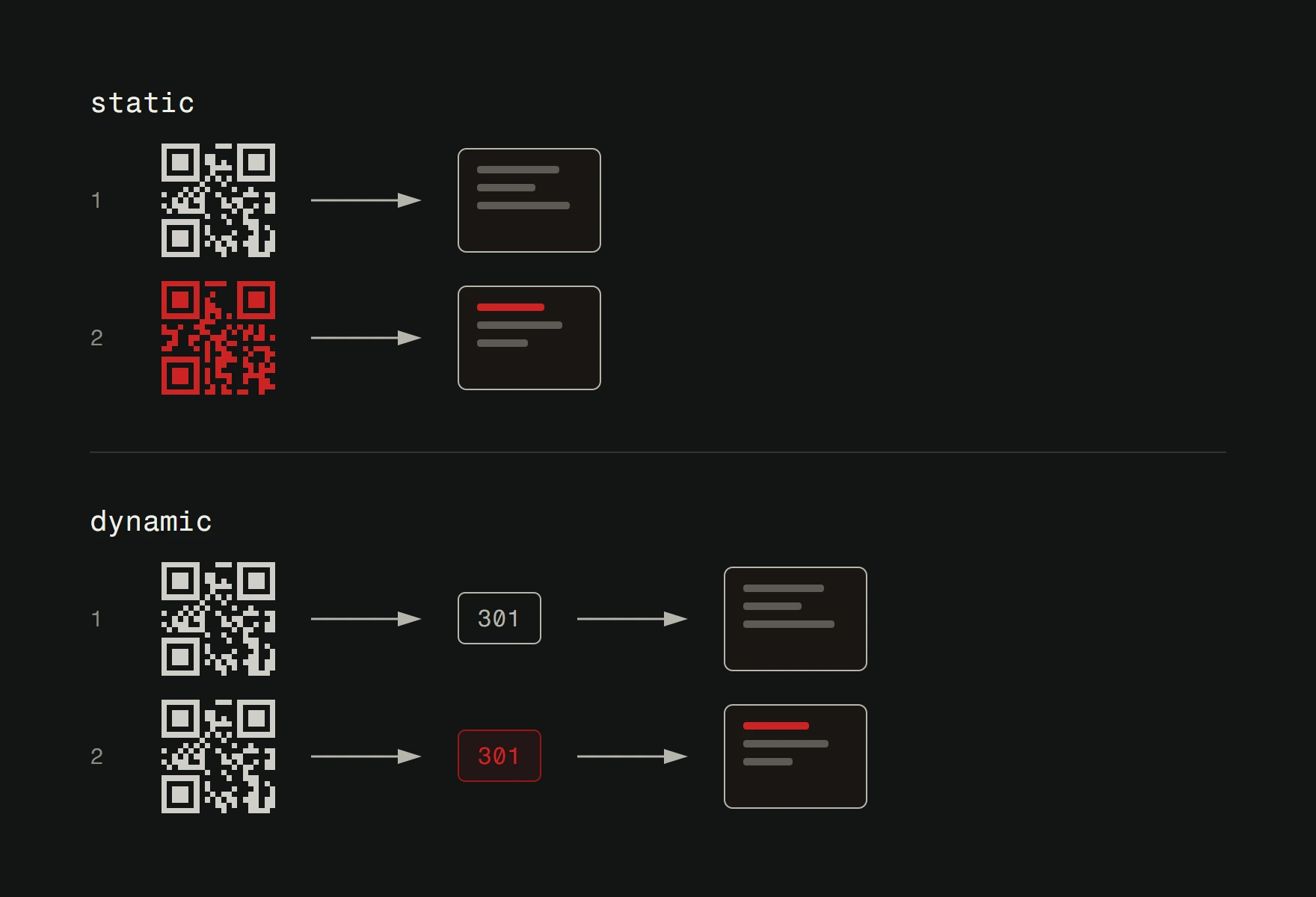
For a simple link to your website, static is fine. For marketing campaigns where you want analytics and flexibility, dynamic is worth the investment.
Seven mistakes people make with QR codes
1. Not testing before printing. Print 5,000 flyers with a broken QR code and you've got 5,000 expensive coasters. Always scan your code with multiple phones before sending anything to print.
2. Making them too small. A QR code needs to be at least 2x2 cm for reliable scanning. For posters or billboards that people scan from a distance, go bigger. Much bigger.
3. Low contrast colors. QR codes work because of the contrast between light and dark. A dark blue code on a dark green background will frustrate everyone who tries to scan it.
4. Linking to non-mobile sites. Someone is scanning your QR code with a phone. If the link opens a desktop-only site with tiny text and no responsive layout, you've already lost them.
5. No context. A random QR code with no text explaining what it does. Would you scan that? Neither would anyone else. Add a short call to action: "Scan for menu," "Scan to save contact," "Scan for directions."
6. Putting them where there's no signal. A QR code on a subway poster that links to a website is useless if there's no cell service underground. Think about where your code will be scanned.
7. Over-customizing. Heavy customization can break the code's readability. If you add a logo, keep it small and centered. If you change colors, maintain high contrast. Function beats aesthetics.
Where QR codes actually shine
Business cards. This is the killer use case. A QR code on a digital business card lets someone save your full contact info with one scan. No typing. No mistakes. No lost paper cards.
Restaurant menus. The pandemic made this mainstream and it stuck. One scan, full menu on a phone. Easy to update, no reprinting needed.
Product packaging. Link to instructions, warranty registration, ingredient lists, or customer support. Useful information without cluttering the label.
Event marketing. Posters, flyers, and banners with QR codes that link to ticket purchases, event details, or registration forms.
WiFi sharing. Generate a QR code for your guest WiFi password. Stick it on the wall. No more spelling out "the password is lowercase x uppercase Y number 7 underscore..."
QR codes and digital business cards
QR codes and digital business cards are a natural pair. Every Version2 digital business card includes a QR code as a backup to the NFC chip. Someone taps your card on their phone and your contact info transfers instantly via NFC. But if their phone doesn't support NFC, or you're sharing remotely, the QR code does the same job.
It's a belt-and-suspenders approach. The NFC chip handles most in-person interactions. The QR code covers everything else. You can even display your QR code on screen during video calls or presentations.
Want to understand the full picture? Read our guide on what a digital business card actually is or see why it's the right choice for modern networking.
Best practices, summarized
Keep the data minimal. Shorter URLs create simpler, more scannable codes. Use a URL shortener if needed.
Maintain high contrast. Black on white is still the most reliable combination.
Test on at least three different phones before printing. Android, iPhone, old phone.
Always include a short text explaining what the QR code does. "Scan me" is lazy. "Scan to see the full menu" is clear.
Print at minimum 2x2 cm. Bigger is almost always better.
Choose the right format. SVG for print. PNG for digital.
Need a QR code that does more than just link to a website? Version2 digital business cards combine NFC technology with QR codes on a single physical card. Starting at EUR 29.99. Take a look.