
You've heard the name a hundred times by now. ChatGPT this, ChatGPT that. Your competitors mention it. LinkedIn won't shut up about it. But most explanations are either too technical or too full of hype to be useful.
Let's fix that. Here's what ChatGPT actually is, what it's good at, and where it falls short. No jargon. No breathless predictions about robots taking over.
ChatGPT in plain English
ChatGPT is an AI language model built by OpenAI. You type something, it types something back. That's the basic interaction.
Under the hood, it's been trained on massive amounts of text from the internet. Books, articles, code, conversations. It doesn't "understand" language the way humans do. It predicts what words should come next based on patterns in all that training data. The platform has evolved rapidly since its 2022 launch, progressing through GPT-3.5, GPT-4, GPT-4o, and now the GPT-5 series, with each generation becoming significantly more capable at reasoning, accuracy, and handling complex tasks.
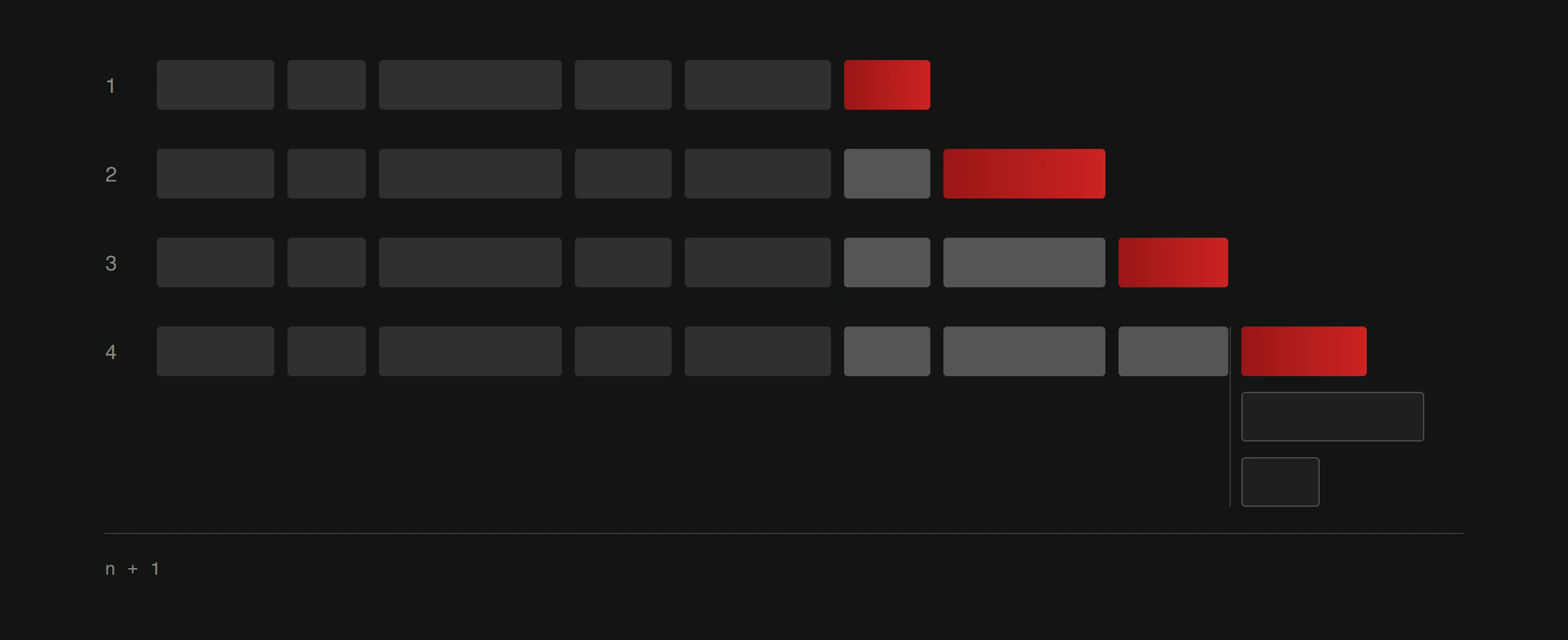
The result is a tool that can write, summarize, explain, brainstorm, translate, and answer questions in a way that feels surprisingly human. It's not perfect. It's not sentient. But it's genuinely useful when you know how to work with it.
What ChatGPT can actually do
Here's the practical breakdown. These aren't theoretical possibilities. These are things businesses use it for every single day.
Write content. Blog posts, email drafts, product descriptions, social media captions, ad copy. It handles the first draft so you can focus on editing and adding your perspective. For tips on turning this into a real workflow, check out our practical ChatGPT playbook.
Answer customer questions. When integrated into a website as a chatbot, ChatGPT can handle common questions about your services, pricing, hours, and processes. Visitors get instant answers instead of waiting for someone to check their email on Monday morning.
Summarize information. Got a 20-page report you need the highlights from? Paste it in and ask for a summary. Need to condense meeting notes into action items? Done in seconds.
Brainstorm ideas. Stuck on a marketing campaign angle? Need names for a new product? Want ten different ways to phrase your value proposition? ChatGPT generates options fast. Most won't be perfect, but they'll get your brain moving.
Explain things simply. Need to turn a technical concept into something your customers understand? ChatGPT is great at adjusting complexity levels. Ask it to explain something "like I'm a business owner who doesn't care about the technical details" and it delivers.
Help with code. If you work with developers or dabble in code yourself, ChatGPT writes code, debugs problems, and explains what existing code does. It's not going to architect your entire application, but it speeds up the small stuff.
What it's not good at
Being honest about limitations matters more than listing features.
Facts and accuracy. ChatGPT still makes things up, though newer models like GPT-5 hallucinate significantly less than earlier versions. It can cite studies that don't exist, quote statistics it fabricated, and state incorrect facts with conviction. Always verify its output, especially numbers, dates, and technical claims.
Recent events. Its training data has a cutoff date (late 2025 for the latest GPT-5 models). ChatGPT can browse the web to fill gaps, but it doesn't always do so automatically. Always check dates and recent developments independently.
Original thinking. It remixes existing ideas. It doesn't generate genuine insight or original analysis. If you want a unique take, you still need a human brain.
Your specific business. It knows nothing about your company, your customers, or your market unless you tell it. Generic prompts produce generic output. Specific context produces useful output.
Sensitive decisions. Legal advice, medical guidance, financial planning. ChatGPT is not qualified for any of these, and relying on it for them is genuinely dangerous.
Why this matters for business owners
The businesses getting ahead with ChatGPT aren't the ones using it most. They're the ones using it strategically.
A restaurant owner uses it to write weekly email specials instead of staring at a blank screen every Tuesday. A web development company uses it to generate first-draft proposals in minutes instead of hours. A small retailer uses it to create product descriptions for 200 items that would have taken weeks manually.
None of these replace human work entirely. All of them free up time for the work that actually requires human judgment, creativity, and relationships.
The question isn't whether AI will affect your business. It already has. Your competitors are using it, even if they're not advertising it. The question is whether you'll use it intentionally or get left behind.
How it connects to your website
This is where it gets interesting for anyone with an online presence.
A chatbot powered by ChatGPT on your website means visitors get instant help. Questions about services, pricing, availability, booking. All answered automatically, 24 hours a day. That's not a gimmick. That's a tangible improvement in user experience and lead capture.
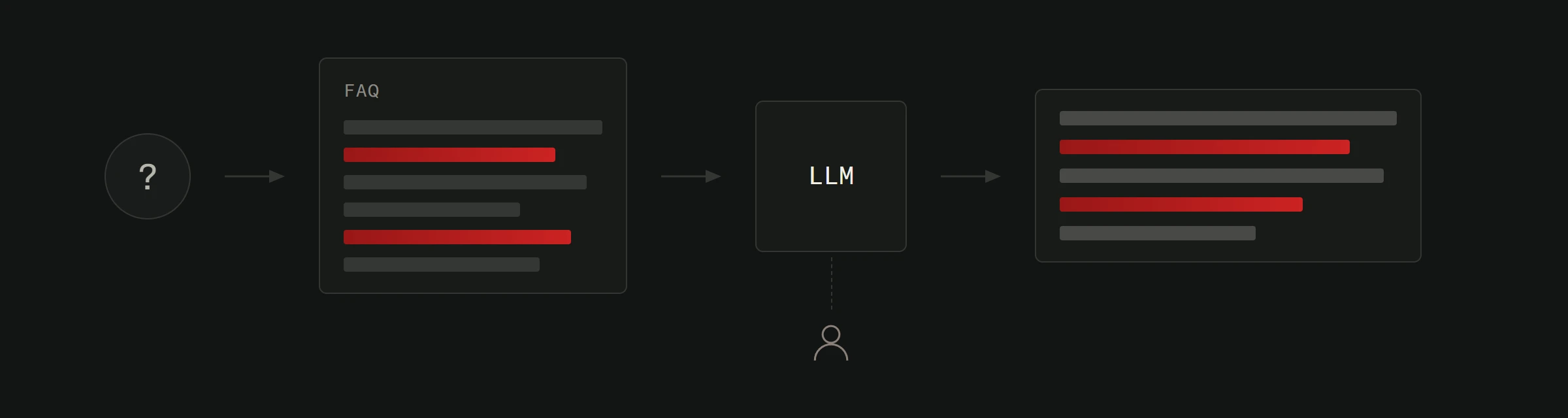
Beyond chatbots, AI can help generate the content that drives people to your website in the first place. Blog posts for SEO. Product descriptions that convert. FAQ sections that actually answer what people ask. Check out our overview of how AI is changing digital marketing for more on this.
And it goes deeper. AI-powered search on your website helps visitors find what they need faster. Smart forms that adapt based on user input reduce friction. Content recommendations keep people on your site longer.
This isn't about replacing your website with AI. It's about making your website work harder with AI built into it. That's exactly what AI integration looks like in practice.
Getting started without overwhelm
You don't need to become an AI expert overnight. Here's the simplest path.
Week 1: Visit chatgpt.com and start using it. You can try it without an account, or create a free one for a better experience. Spend 15 minutes a day asking it work-related questions. Get a feel for what it does well and where it falls short.
Week 2: Pick one repetitive writing task in your business. Email drafts, social posts, product descriptions. Use ChatGPT to generate first drafts, then edit them.
Week 3: Identify one customer-facing process that could benefit from automation. FAQ responses, appointment scheduling, basic information delivery.
Week 4: Evaluate results. What saved time? What needed too much editing to be worth it? Double down on what worked.
That's it. Four weeks, no budget, no technical knowledge required. Just curiosity and a willingness to experiment.
Ready for the next step? Our practical ChatGPT playbook covers specific prompts and workflows for getting real business results. Or explore Version2's AI integration services to build AI directly into your website.