You searched "best digital business card" and got hit with a wall of listicles promoting apps you've never heard of. Half of them require monthly subscriptions. The other half look like they were designed in 2009.
Let's cut through the noise. Here's what actually matters when choosing a digital business card, and what separates the good options from the ones collecting dust in your app drawer.
What makes a digital business card "good"?
Not all digital business cards are created equal. Some are apps. Some are physical cards with embedded tech. Some are just glorified vCard files. The best option depends on how you actually network.
Here are the factors that matter:
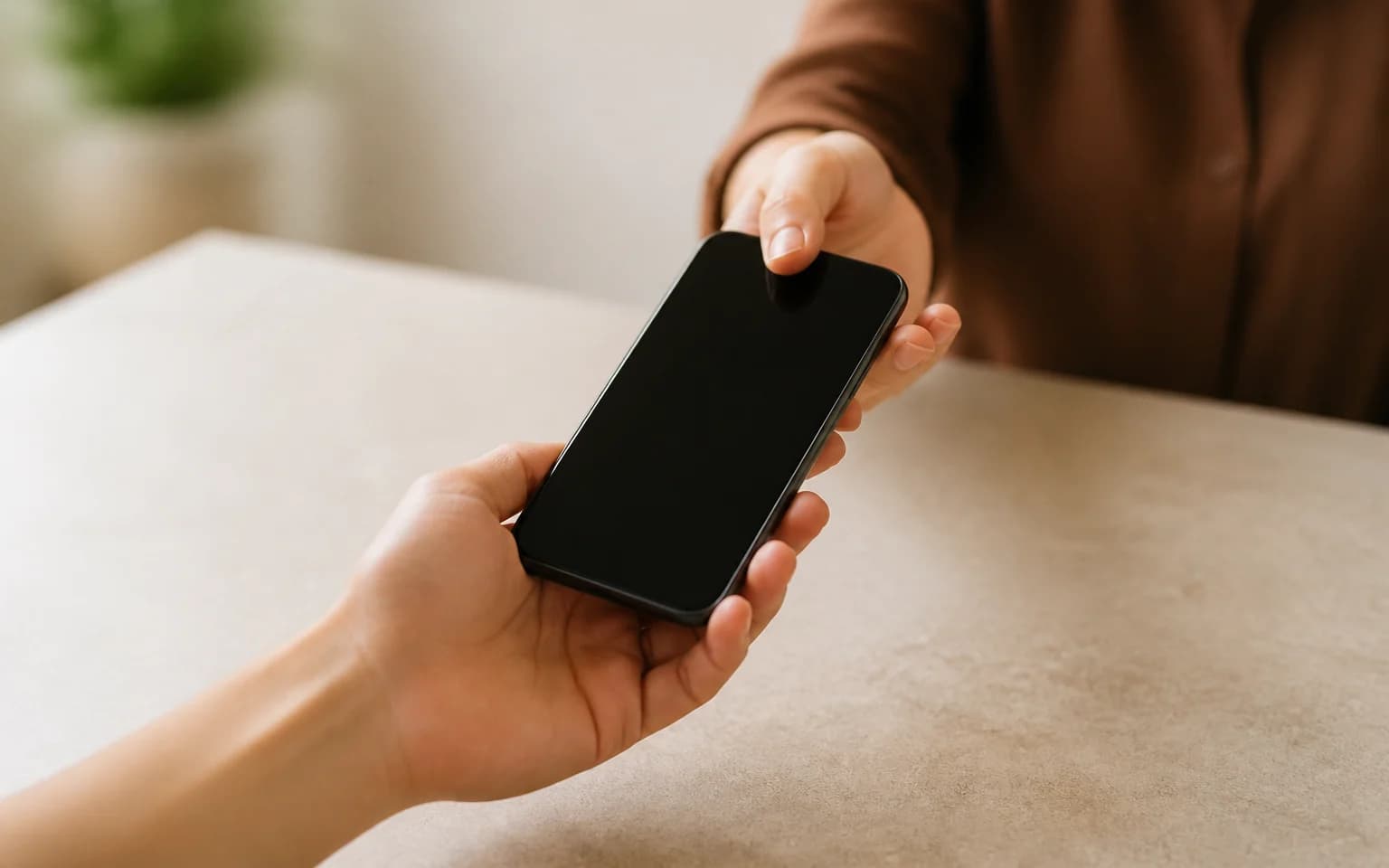
How you share it. If sharing requires the other person to download an app, that's friction. And friction kills adoption. The best digital business cards work without any setup on the recipient's end.
How it looks. Your business card is often a first impression. If the design is generic and template-heavy, it says something about your attention to detail. Custom design options matter.
What happens after the tap. Can you update your information without getting a new card? Can you see who scanned your card and when? Analytics turn a business card from a static handoff into a trackable touchpoint.
Durability. An app on your phone is only useful when you remember to open it. A physical card in your wallet is always ready.
App-only vs. physical NFC cards
This is the biggest fork in the road.
App-only digital cards (like HiHello or Popl app versions) store your info in a mobile app. You share by showing a QR code on your screen or sending a link. The problem: you need to unlock your phone, find the app, and pull up your card before you can share. In a fast-paced networking event, that's awkward.
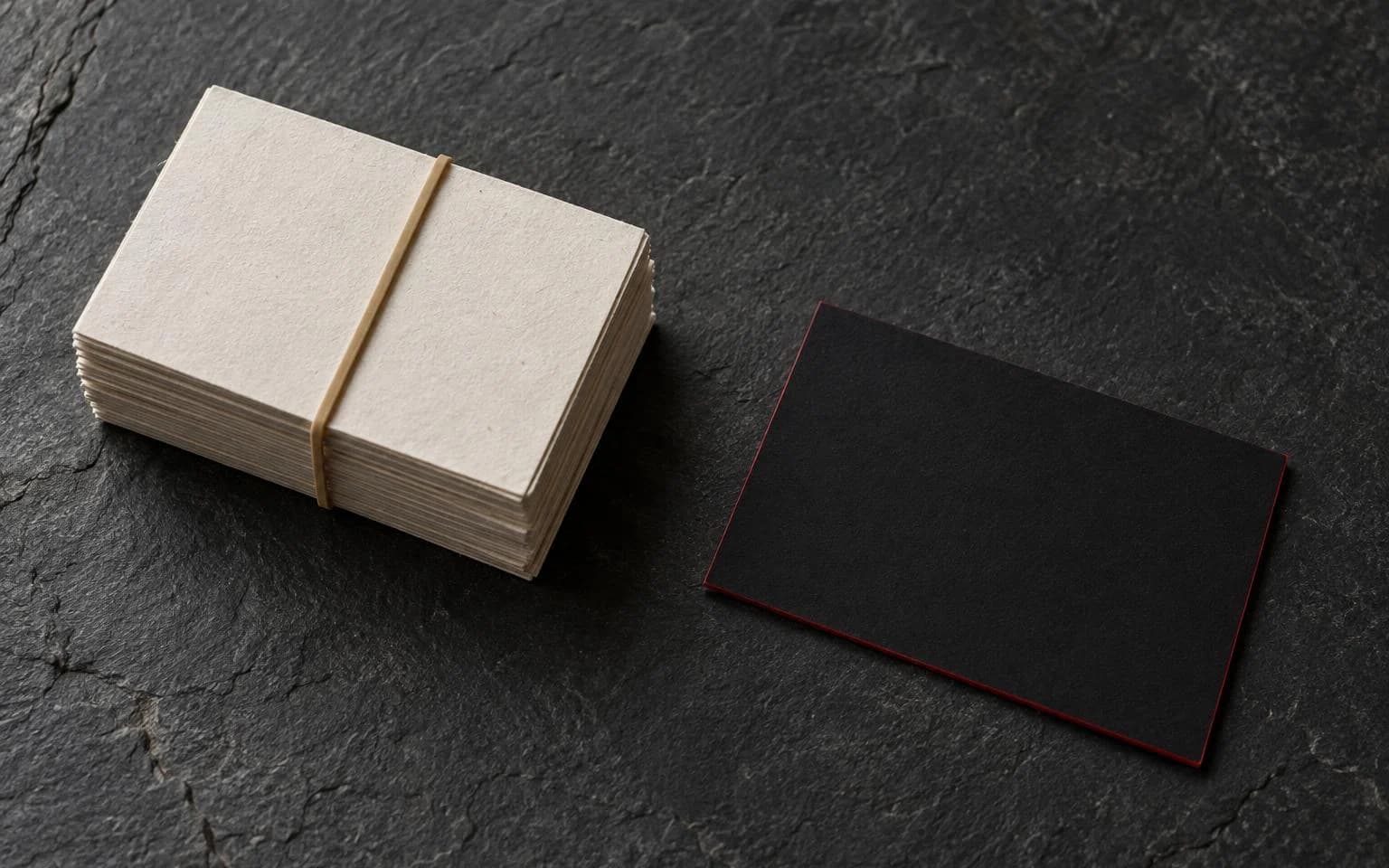
Physical NFC cards are actual cards you carry. They look like a traditional business card but contain an NFC chip inside. You tap the card against someone's phone and your contact page opens instantly. No app needed on either end. No fumbling with screens.
The physical card wins for in-person networking. Every time. It's faster. It's smoother. It doesn't require the other person to do anything except hold their phone.
If you're not sure what we mean by "digital business card," start with our complete explainer on what a digital business card is.
The features that actually matter
NFC tap to share. The card touches a phone. The phone opens your profile. That's it. Works on any modern iPhone or Android device. No app downloads, no Bluetooth pairing, no QR scanning required (though a QR code backup is nice to have).
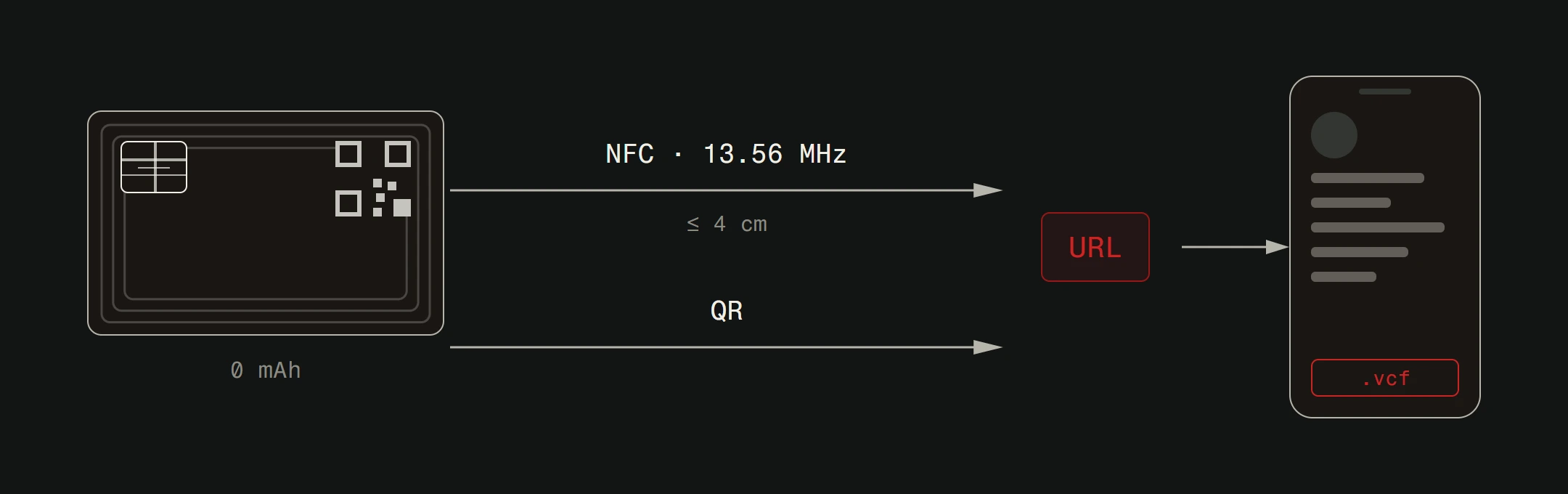
QR code backup. Not every phone supports NFC perfectly. Older devices or certain cases can interfere. A printed QR code on the card itself gives you a failsafe. Scan the code, same result.
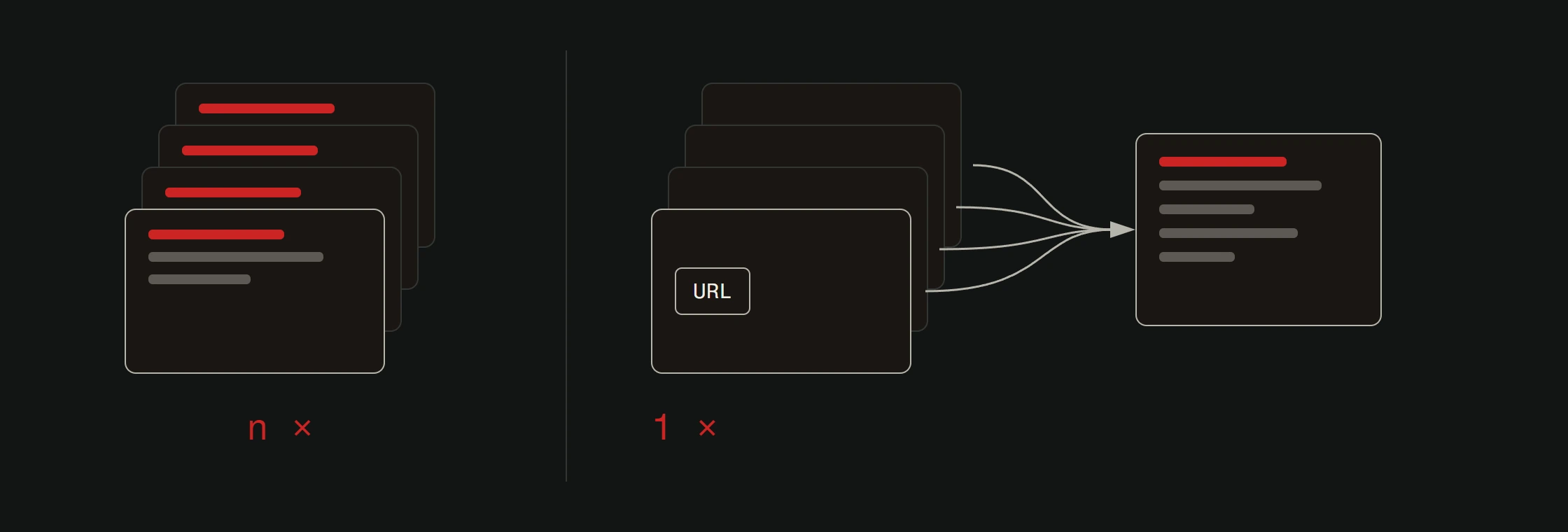
Instant updates. Changed your phone number? New job title? Updated website? You should be able to edit your digital profile without ordering a new card. Your card points to a URL. You update the page behind that URL. Done.
No reprinting. This is one of the biggest advantages over paper business cards. With a traditional card, a job change means throwing away 500 cards and ordering 500 new ones. With a digital card, you change your info online and the same physical card keeps working.
Custom design. Your card should match your brand. Colors, logos, layout. Not a cookie-cutter template that looks like everyone else's.
Analytics. Know how many people tapped your card, when, and potentially where. This turns networking from a guessing game into something measurable.
Why Version2 cards stand out
Full disclosure: we make these. But we made them because we saw what was missing in the market. Here's what Version2 digital business cards offer:
Physical PVC cards with NFC chips. These aren't flimsy plastic or stickers. They're durable PVC cards that feel professional in your hand and your wallet. Each one is programmed with your unique profile link.
QR code backup on every card. NFC is the primary sharing method, but the QR code is always there as backup. Belt and suspenders.
Fully customizable design. We design your card to match your brand identity. Colors, fonts, logo placement, layout. Your card, your look.
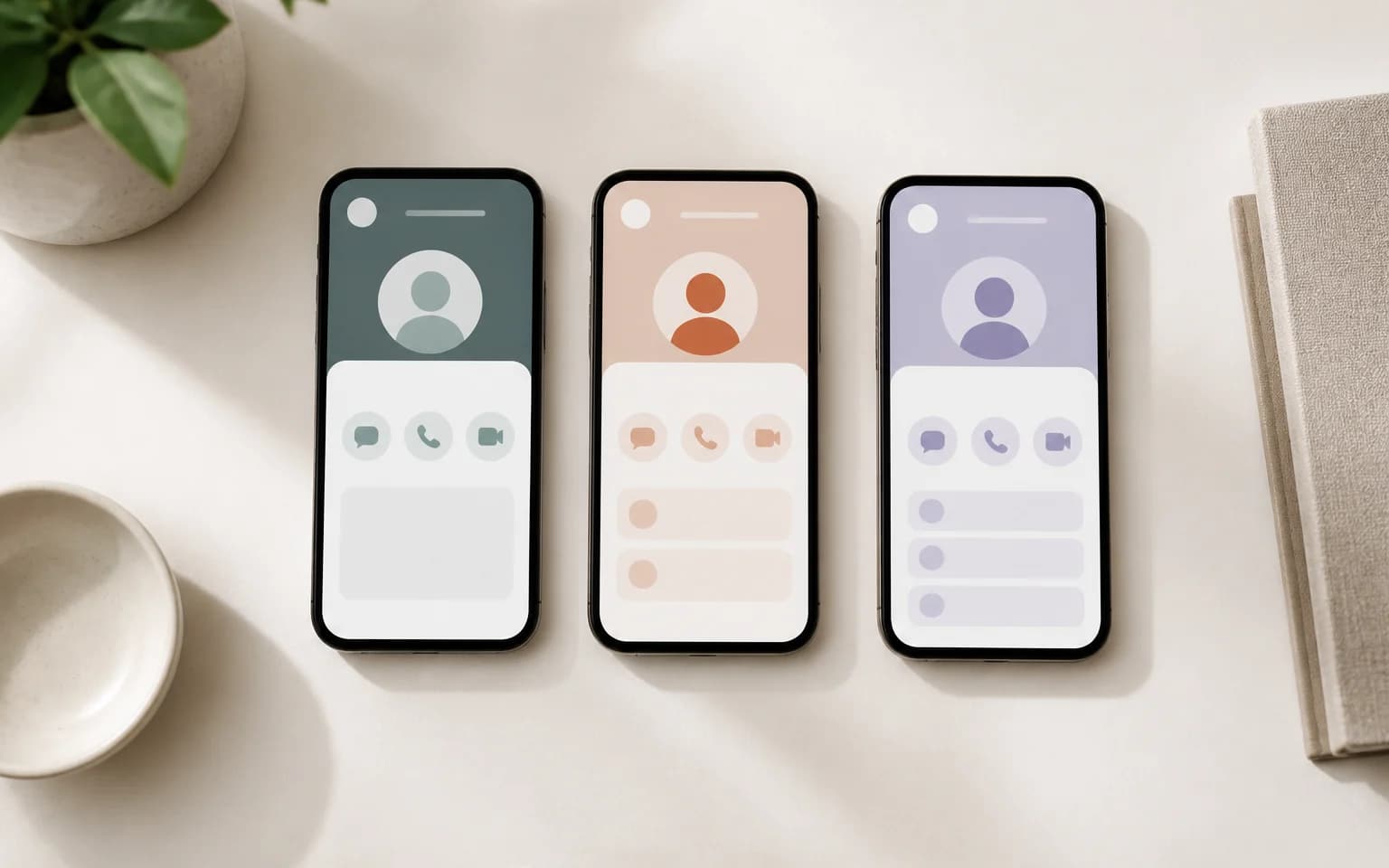
Editable online profile. Your card links to a profile page that you control. Update your info anytime. Phone number, email, social links, website, bio. Changes go live immediately.
Analytics dashboard. See who's interacting with your card. Track taps and scans over time.
Starting at EUR 29.99. No monthly subscription for the basic functionality. You buy the card, you own the card.
Read why a digital business card is the right choice for modern professionals.
What about free options?
Free digital business card apps exist. They work fine for casual use. But they come with trade-offs.
Most free plans limit customization. You get their branding on your card. Design options are basic. Analytics are locked behind paid tiers. And you're still stuck with the app-sharing problem.
If you're a freelancer testing the waters, a free app is a reasonable starting point. But if you're representing a business, meeting clients, or attending events regularly, investing in a proper NFC card pays for itself quickly.
Think about it: a box of 500 paper business cards costs EUR 30-80. You'll reorder them every time your info changes. A single Version2 digital card costs EUR 29.99 and works until you physically lose it. The math is simple.
How to choose: A quick checklist
Ask yourself these questions:
- Do I network mostly in person or online? (In person = NFC card wins.)
- Do I need the other person to have an app? (If yes, that's a dealbreaker for many.)
- Can I update my info without reordering? (This should be non-negotiable.)
- Does it match my brand? (Generic templates are forgettable.)
- Can I track interactions? (If you can't measure it, you can't improve it.)
If you're checking all five boxes, you've found a good digital business card. If not, keep looking.
The bottom line
The best digital business card is the one people actually receive and save. That means minimal friction, professional design, and reliable technology.
For most professionals, a physical NFC card with QR backup hits the sweet spot. It works in person without any setup. It lets you update info on the fly. It tracks engagement. And it doesn't require anyone to download anything.
Want to see it for yourself? Check out our digital business cards and find the option that fits your brand. Or read our guide on the new generation of business cards to understand why this shift is happening.