Bring the information you already have and mark what is still missing. The purpose of a brief is to agree what the website must do, who it serves and what is needed to deliver it. You do not need to solve the design or technical architecture before the first conversation.
Your brand identity
Share the current logo, brand colours, typefaces and any existing guidelines. Original vector files are useful for logos; original photographs give more options than compressed copies. Include examples you like and explain which details matter. A reference helps communicate a direction, but it does not replace your own content or identity.
What the website needs to do
Describe the primary task: explain services, collect enquiries, sell products, accept bookings or give clients access to records. Name the audiences and languages. List the essential actions separately from possible later additions. Goals should be meaningful and measurable, but a desired number of enquiries is a target, not a result a new website can promise in advance.
Your content
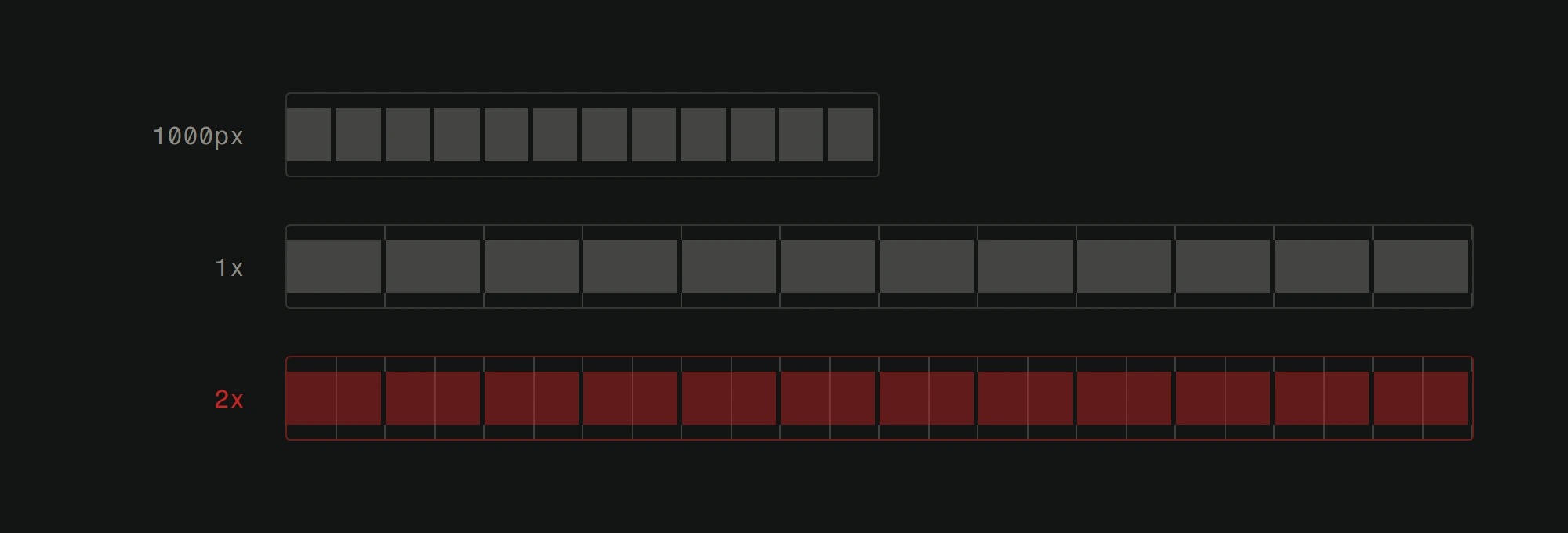
Collect service descriptions, contact details, product information, photographs and downloads. Identify who can confirm their accuracy and who will supply each language. Image resolution depends on its intended display size; there is no single minimum suitable for every slot. Also confirm the rights to use supplied material. A simple list of ready, missing and awaiting-approval items makes the next decision easier.
Technical details
List the existing domain, hosting, business email, analytics and Search Console accounts, including who administers them. Access can be arranged through appropriate account invitations rather than sharing passwords in a brief. Name every required system connection and what should move between systems. For a rebuild, preserve the old URLs and search data before deciding what changes.
Sitemap and structure
A rough list of pages is enough to begin. Group them around visitor questions and tasks rather than the company's internal departments alone. Show which existing pages or documents must remain available. The web-development service explains the difference between an information site, a store and a portal; our process guide explains how the structure becomes a working site.
Timeline and budget
Give the desired launch date and explain any fixed dependency, such as a scheduled event. Share a working budget range and say which items it must include. Agree who can approve content and scope. The pricing calculator is a starting point for comparing options; a larger integration may need further scoping. Delivery assumptions should include content readiness and external access.
What happens when you're not prepared
Missing information can be resolved during planning. Record each open item, its owner and the decision it blocks. Avoid treating assumptions as approved requirements. You can begin a project conversation with the material you have; the first useful result is a clear scope and a list of the remaining inputs, not a promise that preparation will save a fixed number of weeks.