Ask ten people what web design means and you'll get ten different answers. Some think it's picking colors. Others think it's the entire process of building a website. A few will mention Photoshop.
None of these are wrong, exactly. But none of them capture the full picture either.
Web design is the discipline of planning and creating the visual structure, layout, and user experience of websites. It determines how a website looks, how it feels to use, and how effectively it guides visitors toward the actions you want them to take.
That's a mouthful. Let's break it down.
The visual layer
The most obvious part of web design is how things look. This is what most people think of when they hear "web design." And it does matter. A lot.
Layout defines where things go on the page. Where's the navigation? Where's the main content? Where's the footer? Layout creates structure that helps users find what they need. Good layout feels invisible. You don't notice it because everything is exactly where you'd expect it.
Color communicates mood, brand identity, and visual hierarchy. Color choices affect how people feel about your site before they read a word. Blues suggest trust. Reds suggest urgency. A single accent color draws the eye to your most important elements.
Typography is how text looks and reads. Font choices, sizes, weights, spacing, line height. Good typography is legible at every screen size and creates clear hierarchy between headings, subheadings, and body text. It sounds boring until you encounter a site with 11px gray text on a white background. Then you understand why it matters.
Imagery includes photos, illustrations, icons, and graphics. Real photography builds trust. Custom illustrations create personality. Icons provide quick visual cues. Stock photos of people pointing at whiteboards build... nothing.
The experience layer
Here's where web design separates from graphic design. A poster only needs to look good. A website needs to work.
User experience (UX) design is the part of web design that focuses on how people interact with your site. It's not about what the site looks like. It's about what using the site feels like.
Good UX means a visitor can accomplish their goal with minimum friction. Finding information, making a purchase, filling out a contact form. Whatever the task, the path should be obvious.
This involves understanding user behavior. People don't read web pages. They scan them. They follow F-shaped reading patterns, focusing on headings and the first few words of each line. A web designer who understands this places crucial information where eyes naturally land.
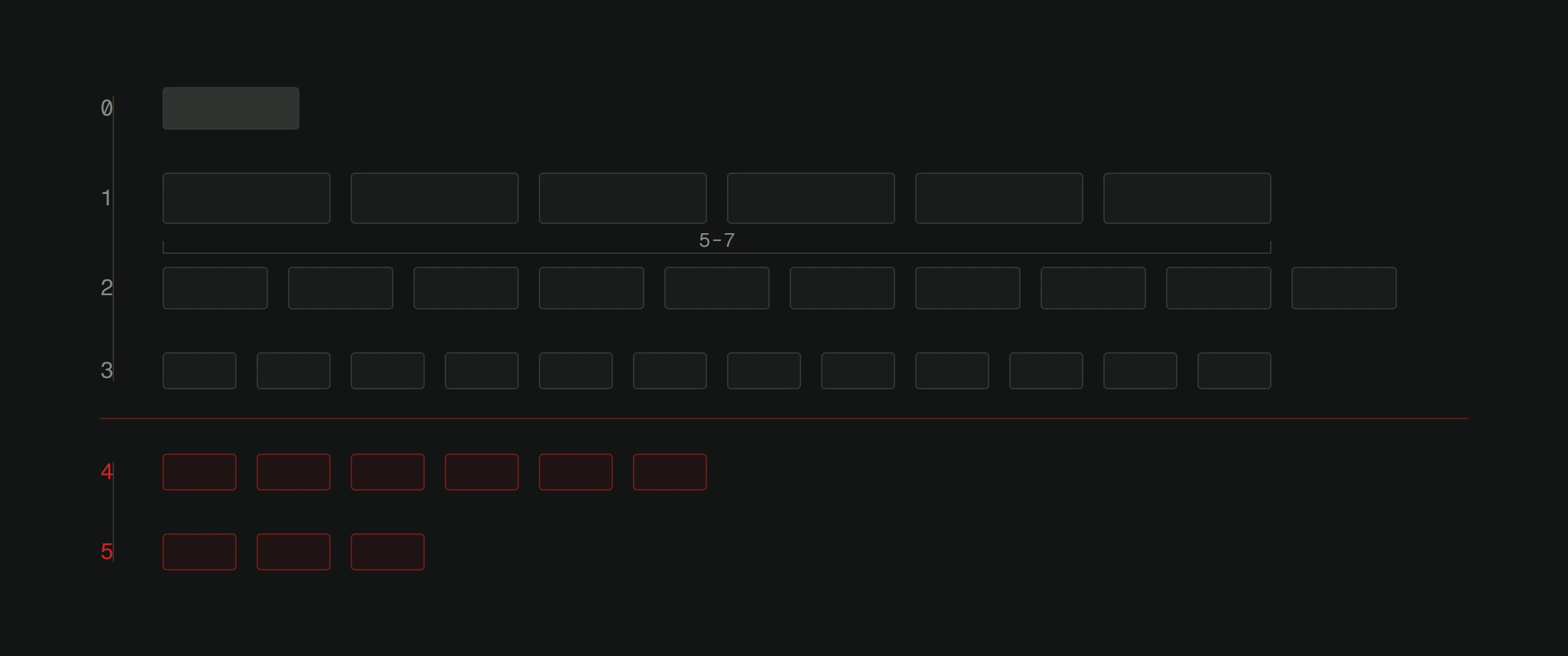
Navigation is a core UX concern. How do users move between pages? Can they get to any important page within 2-3 clicks? Is the menu structure logical? When someone is looking for your pricing, do they find it in 3 seconds or 30?
Calls to action are another. Every page should guide the user toward a next step. Contact us, buy now, read more, sign up. The design makes these actions visible and appealing without being aggressive.
The technical layer
Web design doesn't happen in a vacuum. It happens within technical constraints, and good designers work with those constraints rather than ignoring them.
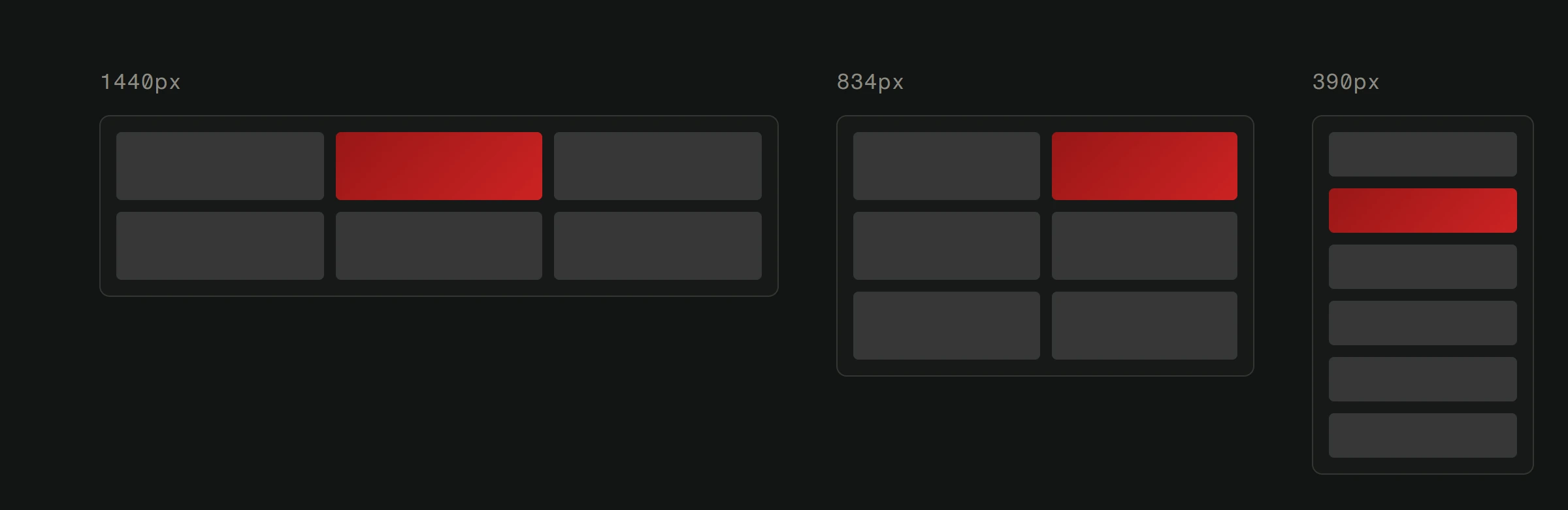
Responsive design means every layout needs to work on screens from 320px to 3440px wide. That's a 10x range. A design that only looks good on a laptop screen isn't a finished design. It's a starting point. Your site needs to work on every device people use to access it.
Performance affects design decisions. That full-screen video background might look stunning, but if it adds 15MB to your page weight, it's a bad design decision. Fast-loading pages keep visitors. Slow pages lose them. A good web designer balances visual impact against performance cost.
Accessibility means designing for everyone. Users with visual impairments need sufficient color contrast. Users who navigate by keyboard need visible focus indicators. Screen reader users need logical heading structures. Accessibility isn't a feature. It's a baseline requirement.
SEO and design are more connected than people think. Search engines can't see your beautiful layout. They read code structure. Proper heading hierarchy (H1, H2, H3), descriptive alt text on images, clean semantic HTML. These SEO foundations are established during the design and development process.
What web design is not
Let's clear up some common confusion.
Web design is not web development. Design defines the what and why. Development builds the how. A designer creates the blueprint. A developer builds the house. Both are necessary. Neither alone is sufficient.
Web design is not just the homepage. Every page matters. The Contact page, the About page, error pages, blog posts, product pages. Consistent design across every page builds trust and reduces cognitive load.
Web design is not a one-time event. Websites age. Design trends shift. User expectations change. Technology evolves. A site designed in 2020 probably felt current then. It might feel dated now. Good design needs periodic revisiting.
Web design is not about the designer's preferences. It doesn't matter if the designer loves minimalism or maximalism. What matters is what works for the target audience. Design decisions should be driven by user research and business goals, not personal taste.
How good web design pays for itself
This is the part that matters to business owners.
Good web design increases conversion rates. When users can easily find what they need and understand what to do next, more of them take action. More inquiries, more sales, more sign-ups.
Good web design reduces bounce rates. A professional-looking site that loads fast and works on any device gives visitors a reason to stay. First impressions happen in about 50 milliseconds. Your design is your first impression.
Good web design reduces support costs. If your website clearly answers common questions and makes processes self-service, fewer people need to call or email you for help.
Good web design builds credibility. People judge businesses by their websites. A polished, well-organized site says "this company takes their work seriously." A clunky, outdated site says "maybe they don't care about details." Fair or not, that judgment happens.
The design process
Professional web design follows a structured process.
It starts with research. Understanding the business, the audience, the competition, and the goals. Then comes information architecture: organizing content into a logical structure. Wireframing follows: rough layouts that define structure without visual polish.
Visual design comes after the structure is solid. Colors, typography, imagery, and detailed page layouts. These get reviewed, revised, and refined until they're right.
Then the design gets built into a working website. The designer and developer collaborate closely during this phase to make sure nothing gets lost in translation between mockup and code.
Every step exists for a reason. Skipping research leads to designs based on assumptions. Skipping wireframes leads to expensive design revisions. Skipping testing leads to sites that look great on your laptop but break on your customer's phone.
Wondering what good design could do for your business? Get a free website analysis of your current website, or talk to us about a new project.